

Birthdays only come once a year — and a generic text message just doesn’t cut it anymore. If you want to make someone feel truly special, a personalized birthday video hits differently. And thanks to image to video AI technology, creating one has never been easier, faster, or more impressive.
No editing skills. No expensive software. Just a photo and a little creativity.
Here’s everything you need to know to create birthday videos that will genuinely move people.
Why AI-Generated Birthday Videos Are the New Standard
Think about the last time you received a birthday message that actually made you stop scrolling. Chances are, it wasn’t a GIF or a generic card — it was something personal, something that felt made just for you.
That’s exactly what image to video AI delivers. By transforming still photos into dynamic, animated clips, these tools bring memories to life in a way that text and static images simply cannot. The emotional impact is immediate and real.
Beyond the “wow factor,” there are practical reasons why more people are turning to AI for birthday content:
- Speed: Generate a polished video in minutes, not hours.
- Accessibility: No technical background required.
- Personalization: Use photos of the actual person you’re celebrating.
- Versatility: Works for friends, family, colleagues, or social media posts.
Whether you’re creating something for your best friend’s 30th or a surprise video for a parent’s milestone birthday, image to video AI gives you the tools to make it unforgettable.
What Makes a Great AI Birthday Video?
Before you jump into any tool, it helps to understand what separates a forgettable clip from one that brings tears to someone’s eyes. The best AI birthday videos share a few key qualities.
Authentic Photos
The more personal the photo, the stronger the emotional response. Candid shots, old memories, or a recent favorite picture tend to work better than formal portraits. The goal is to capture the person — not just their appearance, but their personality.
Smooth, Natural Motion
One of the biggest advantages of modern image to video AI is how naturally it animates still images. Look for tools that produce fluid motion without distortion or awkward warping. Subtle movements — a gentle sway, a soft zoom, hair moving in the breeze — are often more powerful than dramatic effects.
The Right Mood
A birthday video for a close friend might be playful and energetic. One for a grandparent might be warm and nostalgic. The best tools give you control over the tone and style of the animation so the final result feels intentional, not random.
How to Create a Birthday Video with Image to Video AI
Ready to make something special? Here’s a simple process that works across most image to video platforms.
Step 1: Choose your photo. Pick a high-resolution image of the birthday person. Clear lighting and a sharp focus will give the AI more to work with and produce better results.
Step 2: Select your platform. Not all tools are created equal. Look for one that offers smooth animation, customization options, and fast processing. More on this in a moment.
Step 3: Write your prompt (if required). Some platforms let you guide the animation with a text description. Try something like: “Gentle smile, soft wind in hair, warm golden light, cinematic birthday feel.”
Step 4: Preview and adjust. Most tools generate a preview before final export. Use this to tweak the motion speed, duration, or style until it feels right.
Step 5: Add finishing touches. Layer in a birthday song, a short voiceover, or a text overlay with a heartfelt message before sharing.
The Best Tool for Birthday Videos: Try Pollo AI
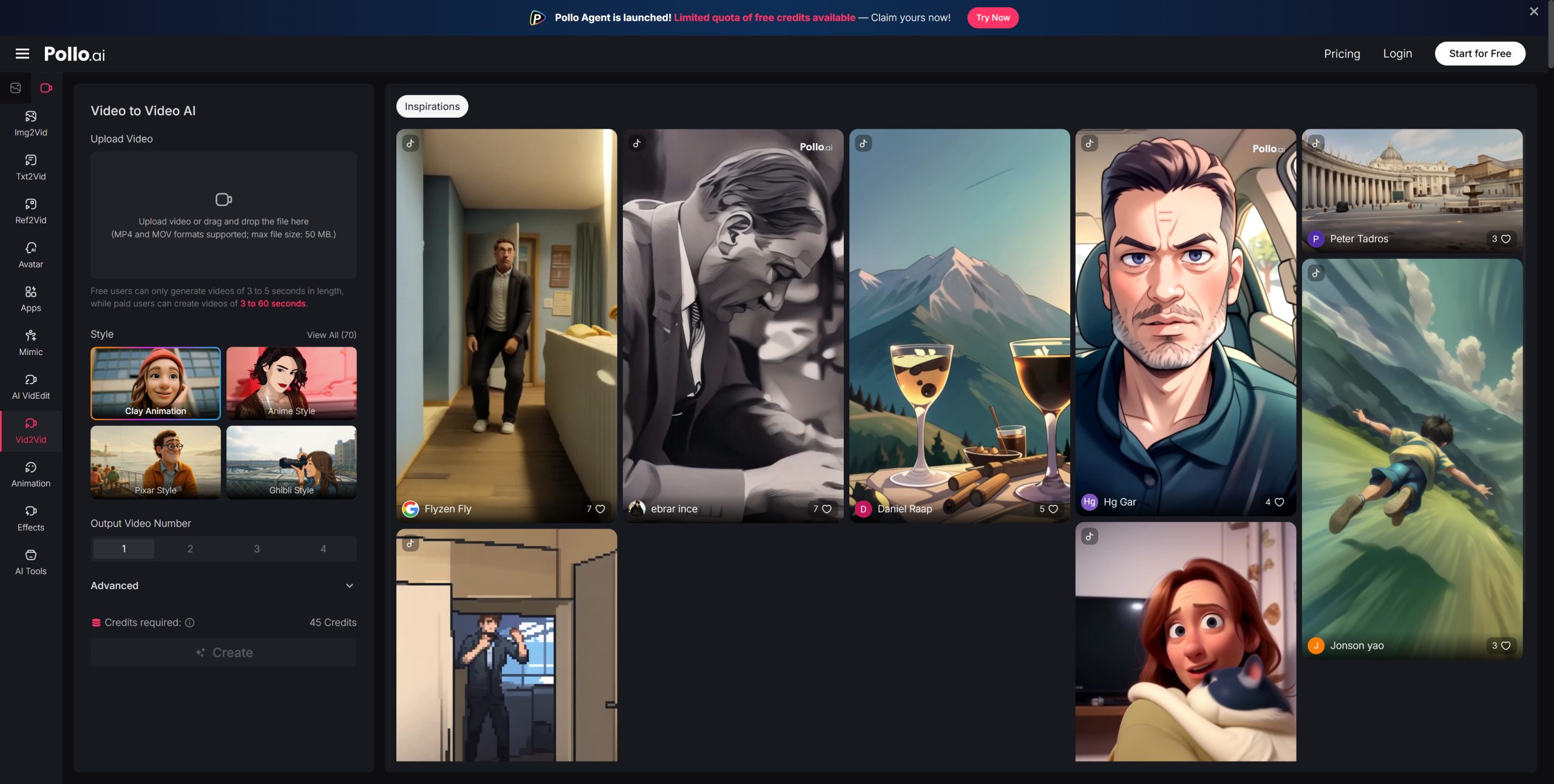
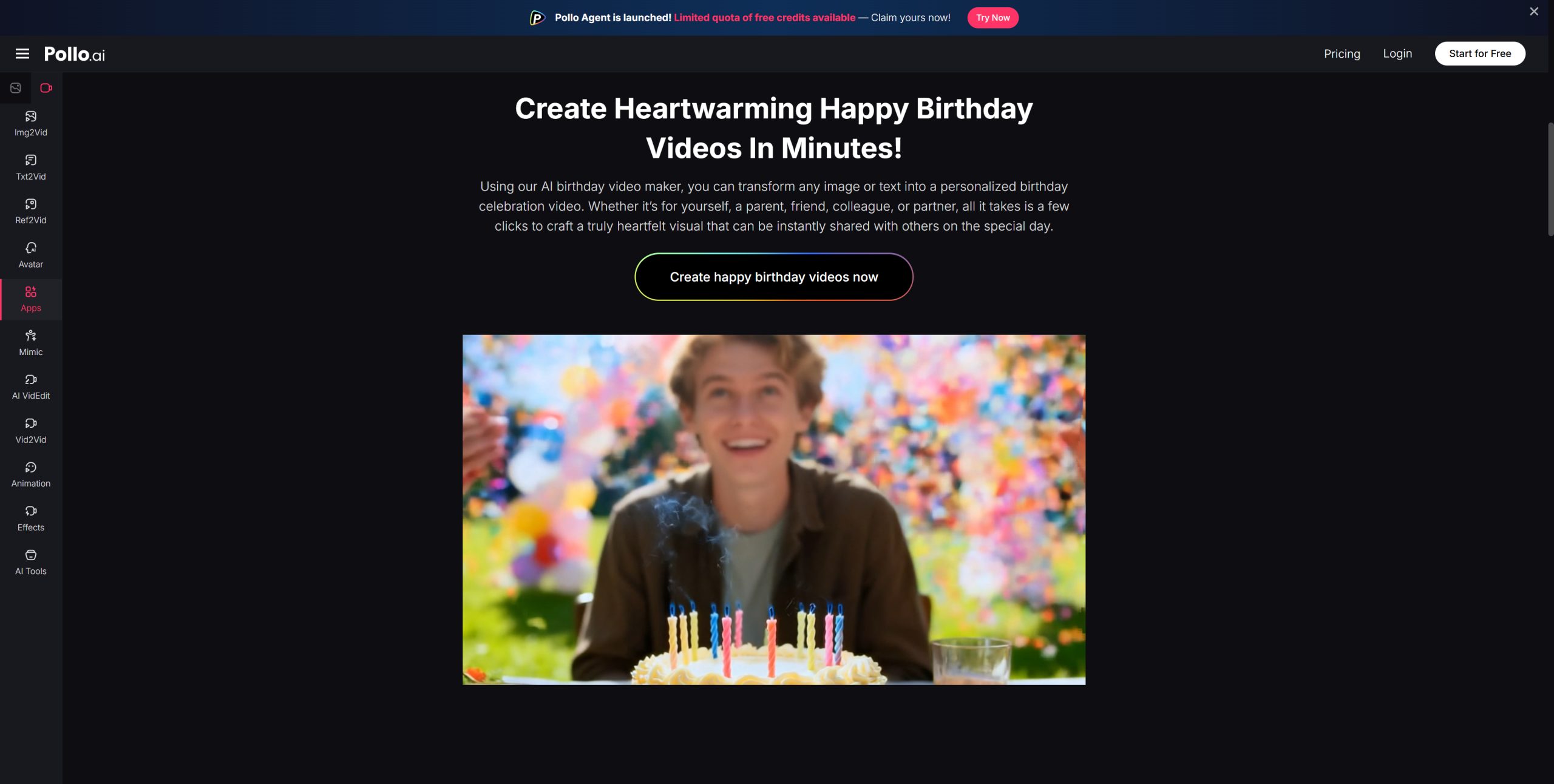
If you’re looking for a reliable, high-quality image to video platform, Pollo AI is absolutely worth trying. It’s designed for creators of all skill levels and produces impressively smooth, natural-looking animations from a single photo.
What makes Pollo AI stand out for birthday videos specifically is how well it handles facial details and emotional expression — exactly what you need when the video is centered around a real person. The interface is clean and intuitive, the processing is fast, and the output quality is consistently strong.
It’s a great starting point whether you’re making your very first AI video or you’re already familiar with the format and want better results.
Creative Ideas for AI Birthday Videos
Once you’ve got the basics down, the creative possibilities open up fast. Here are a few directions worth exploring:
The Memory Reel — Animate a series of old photos chronologically, turning a photo album into a moving timeline of someone’s life. Pair it with a meaningful song and you have an instant tearjerker.
The Surprise Reveal — Record friends and family members holding up a printed photo of the birthday person, then animate each one. Edit them together for a group tribute that feels both personal and cinematic.
The “Then and Now” — Animate a childhood photo alongside a recent one. The contrast between the two — same person, different eras — is surprisingly emotional and always lands well.
The Social Post — Keep it short (5–10 seconds), add a birthday caption, and post it directly to Instagram or TikTok. Animated birthday posts consistently outperform static ones in engagement.
Tips to Get the Best Results
Even the best image to video AI needs a little guidance to shine. Keep these tips in mind:
- Use well-lit photos — Poor lighting is the number one cause of blurry or distorted animations.
- Avoid heavily filtered images — Heavy Instagram filters can confuse the AI and produce unnatural results.
- Keep it short and focused — A 10–15 second clip with one strong image often hits harder than a longer, cluttered video.
- Match the music to the mood — The right song can elevate even a simple animation into something genuinely moving.
Birthdays are moments worth celebrating properly. With image to video AI, you no longer need a production team or video editing expertise to create something that feels cinematic and deeply personal. A single photo, the right tool, and a few minutes of your time are all it takes.
Start with a photo that means something. Let the AI bring it to life. And watch someone’s face light up when they see it.
That’s the real gift.