


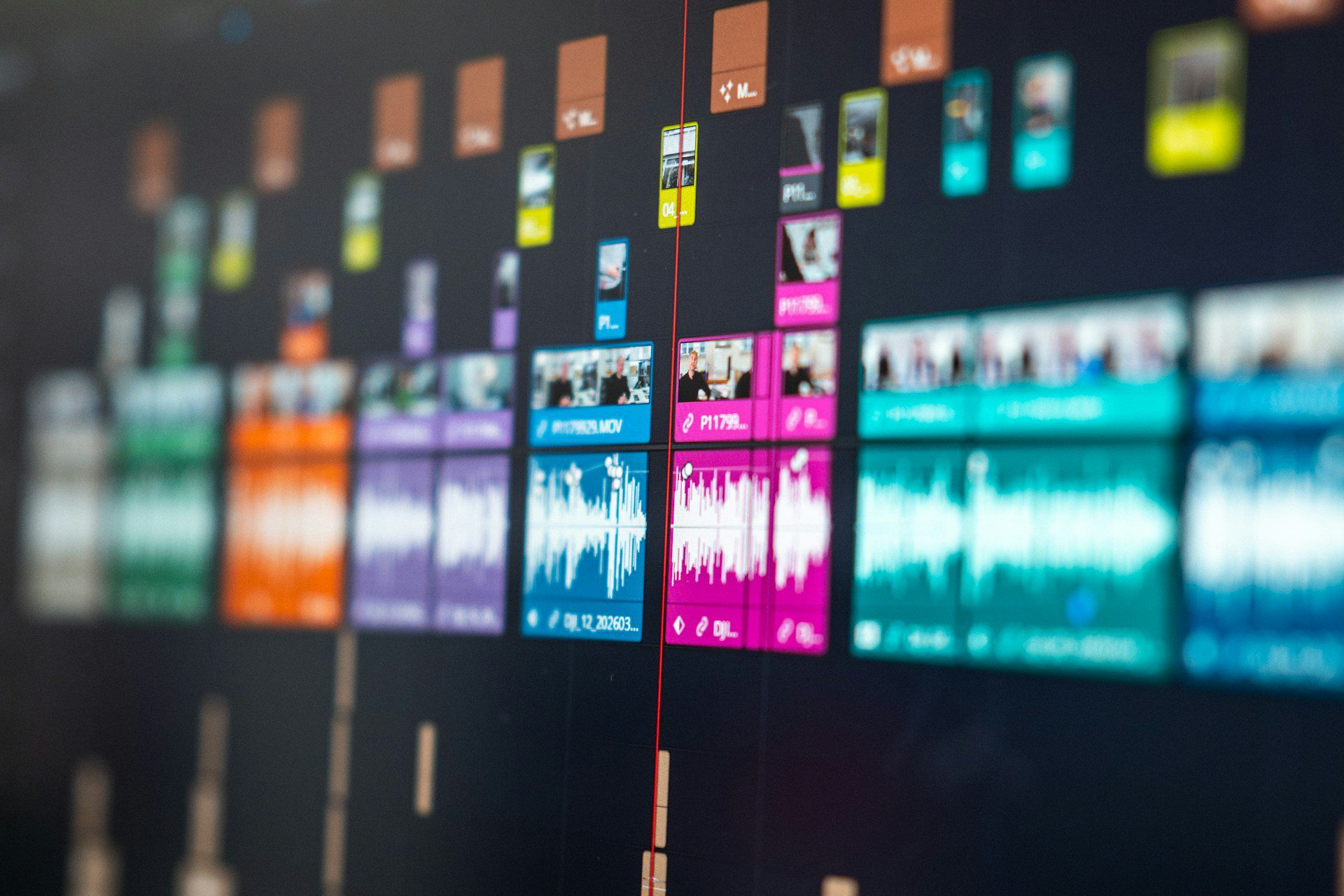
It can be difficult for small to medium-sized businesses to produce high-quality demonstration videos because of the high costs of filming equipment, actors, location rentals, and post-production. Today, however, advances in generative AI are making AI product demo videos more accessible than ever, allowing businesses to create professional product demonstrations quickly and at a fraction of the traditional cost.
With only product photos, descriptions, and detailed prompts, artificial intelligence can now create high-quality, professional-looking AI product demo videos in just a few minutes. These AI-generated product demonstration videos can include custom branding, dynamic camera movements, multiple scene transitions, and realistic visual effects, helping businesses produce engaging marketing content faster and more affordably than traditional video production.
This article will detail why AI generated product demonstration videos are an emerging trend in marketing, provide a brief overview of the most common AI video generator available today, and suggest actionable suggestions on how to enhance the video maker ai rates of your product content so that you can utilize these lower-cost video solutions to better compete.
Why Are AI Product Demo Videos More Efficient Than Traditional Video Production?
There is an increasing difference in effectiveness between classical video production and AI product demonstrations. This rapid increase in usage of AI tools by businesses and creators is easy to explain.
Hidden Costs of Traditional Product Demonstration Video Production
When creating a video as a demonstration of the product, the initial cost will not just be one take of that video but all the associated costs that go with it. These costs include items such as equipment purchases, rental rates for the location the video will be shot, costs associated with hiring an actor to do the narration, and post production editing; each one of these can add up quickly to create a cost overrun.
Companies that are continually updating their product information will find that the cost of maintaining the product demonstration video will greatly exceed the cost of making a one-off demonstration video.
Why Keeping AI Product Demo Videos Up to Date Matters
For example, if you release a new version of a product with new features updated on the interface or if a feature was enhanced to work better than before, you would need to fill out another product demonstration video if you have an abundance of SKUs or a new software team that iterates quickly.
Because of how companies will move into using their old product demonstration video for an extended period of time, they will save money in remake costs, but inaccurate information could negatively impact user behavior and cost the company, potentially resulting in a lost opportunity to convert that customer into a purchase.
As the content creation environment changes rapidly, traditional methods of producing product demonstration videos are facing unprecedented challenges.
How Can AI Compress Product Demonstration Video Production From Weeks to Minutes?
AI-powered product demo tools are revolutionizing the efficiency of creating videos. AI can rapidly create professional-quality product demo videos by automatically analyzing images, text prompts, and information from the product interfaces. Consequently, production cycles have become much shorter.
Some of the most significant factors contributing to these efficiency gains include:
- With just one click create an authentic and fluent narration using AI, quickly accessing new markets around the world.
- Intelligent editing automatically improves voice quality and pacing, saving time by performing less tedious post-production work.
- Flexible content editing methods allow you to quickly make changes to your products and marketing materials related to new products.
Due to the adoption of AI video generation workflows, many organizations have lowered their costs for producing product demonstration videos.
With traditional ways of making these videos requiring high investments for film production and post-production, organizations can now produce videos with AI video generator
tools that allow teams to produce low-cost, fast-turn around video content with an inexpensive monthly subscription. This enables teams to test new ideas at an increased pace and produces more content at scale.
Why Are Marketers And Amazon Sellers Turning to AI Video Generators?
The Growing Demand for AI Product Demo Videos in E-Commerce
Speed has become one of the biggest competitive advantages for e-commerce sellers and marketing teams. Every new product launch, promotional campaign, advertising initiative, and social media strategy requires a constant stream of fresh video content. By using AI product demo videos, businesses can rapidly create engaging product showcases without the delays of traditional production. Unlike conventional video creation, AI-generated product demonstration videos enable brands to scale content production, respond to market trends faster, and keep pace with the growing demand for high-quality visual content across multiple sales and marketing channels.
When compared to traditional written descriptions, consumers now gravitate towards understanding what a product is all about by seeing an intuitive video rather than a long written description. The typical product demonstration video is much easier to engage with because it provides an immediate visual reference and aids in helping people to purchase the item than written textual information.
This shows why there has been an explosion in the popularity of AI-generated videos. Businesses no longer must schedule individual shoots and edit separate video pieces for each product; they simply upload pictures or textual descriptions to create professional-quality videos quickly. As a result, companies now have more products available for sale, more channels for sale, more selling channels, and more types of marketing efforts that collectively support successful e-commerce businesses.
Three Ways to Create AI Product Demo Videos: Text to Video, Image to Video, and Video to Video
AI Video Makers allow their users three main options for generating videos, based on the user’s level of expertise and desired outcome: Text into Video, Image into Video, and Video into Video. The AI Video Maker provides various Generation Modes, but these three cover most of the creative needs of people wanting to create videos, allowing them to either create entirely new video content from scratch or to optimize and repurpose previously created video content.
Text to Video
Currently, one of the most frequently used ways to develop videos using AI is through a text-to-video interface. Users can input their description into the system and it will create a video for them containing elements such as scene, character, action and even genre.
This mode of content development lends itself well to businesses looking for proof of concept, as well as prototype or creative directors developing new advertisements. For those who do not have source material, this type of system gives them the ability to rapidly turn their ideas into animated video and not have to obtain production or design resources.
Image to Video
Using photo to video ai, you can create an animated video by simply uploading an image or image series from your product, character, or photo. The AI will then automatically add camera movement, movement of characters/objects, light changes, and dynamic scene effects to create a fully animated product demonstration video in real-time.
For this reason, Image to Video is one of the most popular tools for product developers, as they can now produce professional quality demonstrations of their products directly from product images without ever having to shoot new video content, saving them time & money on creating content and allowing them to be much more efficient at producing quality video content.
Video to Video
Video to Video helps you to stylize and enhance the look of your videos while keeping the original construction intact. Using AI technology, you can create a completely different look on an ordinary video by applying cinematic, anime, 3D and many more creative effects.
This mode is great for creating and updating your existing content. You can create a completely new look for your videos without having to re-shoot them, thus increasing the amount of time your products will be usable and improving the attractiveness of your content.
How to Choose the Right Mode?
If you are attempting to create a video from your own original idea then text to video ai generator is normally your best option; but if you have already created design or image assets for your product then Image to Video is usually going to help you to generate marketing material faster (by allowing you to use your design/image assets in an effective way); and if you currently have video assets (that were created either by you or by someone else) then Video to Video provides you with the most flexibility for converting and optimizing existing video content.
AI video generators using all three of these modes can encompass the complete creative process—from creativity to content optimization—while at the same time helping to accelerate, increase efficiency, and facilitate creativity in the video production process.
Create Customized Product Demonstration Videos Using An AI Video Generator
Users can make use of “ready” video templates to help them create product demo videos very quickly however, often the way the actual instruction for completing the template is constructed has more impact on how engaging or different the end result will be. Many times with video generated through AI, the prompt will not only determine what the video will show, but will also have an impact upon camera movement during the video, the environmental setting of the scenes in the videos, visual aesthetic of the video and overall expressiveness.
Creating High-Converting AI Product Demo Videos with Better Prompts
In general a good video prompt should include 4 basic components; subject, action, scene and style. Subject is the main content of the video, Action describes how a shot or object is being changed, scene creates the atmosphere of where the environment is created, style creates the final visual appearance of the total video.
Why Prompt Detail Matters in AI Product Video Creation
When prompts lack important details, the quality of AI product demo videos can suffer. For example, using a simple instruction such as, “Show me how to operate my coffee machine,” will typically generate a generic demonstration that only covers the basic operation of the product. However, by refining the prompt with specific details—such as showcasing a smart coffee machine in a modern kitchen, defining cinematic camera angles, realistic lighting, depth-of-field effects, and the desired storytelling style—AI can produce far more engaging AI-generated product demonstration videos. These detailed prompts help create professional, visually compelling product demos that better capture customer attention and showcase the product’s unique value.
Best Practices for Professional AI Product Video Creation
Therefore, the specific examples used for a product demonstration video(s) will have a direct correlation with the AI-generated final product(s). When creating videos using an AI-based system, it is critical to provide the AI system with a detailed description of the product including, but not limited to, the following details: description of the product; camera language; scene type; lighting type; lighting effect(s); intended style; etc. This level of detail will lead to higher-quality, more professional, and ultimately more aesthetically pleasing final products.
The following tips can help you fully unleash the potential of AI video generators and create more professional and engaging product demonstration videos.
Designing a More Expressive Visual Language
The majority of the users only consider the product’s description and do not realize how important the design of the camera can play in the overall professionalism of a video. Many, in fact, do not attached any significance to camera movement, however, the camera moving in a certain way can create additional depth to the presentation of the product and help to align it better with the overall look of the commercially produced advertisement, such as zooming in or out, scanning from left to right, tracking right to left, etc.
Enhancing the Realism of Product Presentations
Video demonstration of products should not only demonstrate the product but also improve it through visual appeal by utilizing different environments and details. Examples include using office, modern home or technology showroom environments; metallic reflections, glass texture, or fabric pattern detail will all help improve the realism and immersiveness of the video.
Lighting Techniques to Enhance Product Visual Quality
Light plays an important part in the quality of the image. For example, when describing the use of soft natural light, side fill light and backlighting/rim lighting; it is more effective to list them as examples of lighting because this gives the viewer’s eye the same representations of how the lighting enhances the detail of the product in a sophisticated way.
Setting a Clear End Point for Camera Movement
The camera movement should not wander aimlessly. For example, whether rotating the product or zooming into the product with a camera; there should be a defined end to the movement through a final focusing on either the brand logo, areas of core functions or close up of product therefore making the pacing of the demonstration video more complete and allowing the viewer’s attention to be drawn to information most relevant to them.
Utilizing Negative Cueing to Optimize Generation Results
AI can use negative cueing words to assist it in preventing issues like blurry images, chaotic backgrounds or distorted products, and odd details from being included in video files. When people are present in the video files, this will also reinforce natural movement, correct proportions and detail, which will help the AI generate more consistent results.
Principles for Writing Effective Cueing Words
Longer cueing words do not usually produce a better result. In the vast majority of cases, a short number of words accurately describes the following core elements: product, the action being demonstrated, where and how to use it, camera movement and lighting effects. Short, concise and focused cueing words tend to assist the AI in producing video content that meets your expectations.
Conclusion
The Future of AI Product Demo Videos
Thanks to rapid advancements in AI video creation, businesses no longer need a large production team, expensive equipment, or weeks of editing to produce high-quality AI product demo videos. Modern AI video generators—including Text-to-Video, Image-to-Video, and Video-to-Video tools—allow brands, marketers, and creators to transform product images, text prompts, and ideas into professional AI-generated product demonstration videos within minutes. This faster, more affordable workflow helps businesses create engaging visual content at scale while maintaining consistent branding and accelerating marketing campaigns.
Beyond reducing production costs, AI empowers businesses to update product demonstrations instantly, test multiple creative concepts, and produce personalized marketing content for different audiences. By combining detailed prompts, thoughtful camera design, realistic lighting, and scene composition, companies can create product videos that closely align with their brand identity and deliver stronger customer engagement.
As AI technology continues to evolve, AI product demo videos will become an essential part of modern e-commerce and digital marketing strategies. Whether you’re launching a new product, promoting your brand, or improving your online conversions, now is the ideal time to leverage AI video generators and start creating professional product demonstrations that capture attention and drive results.