


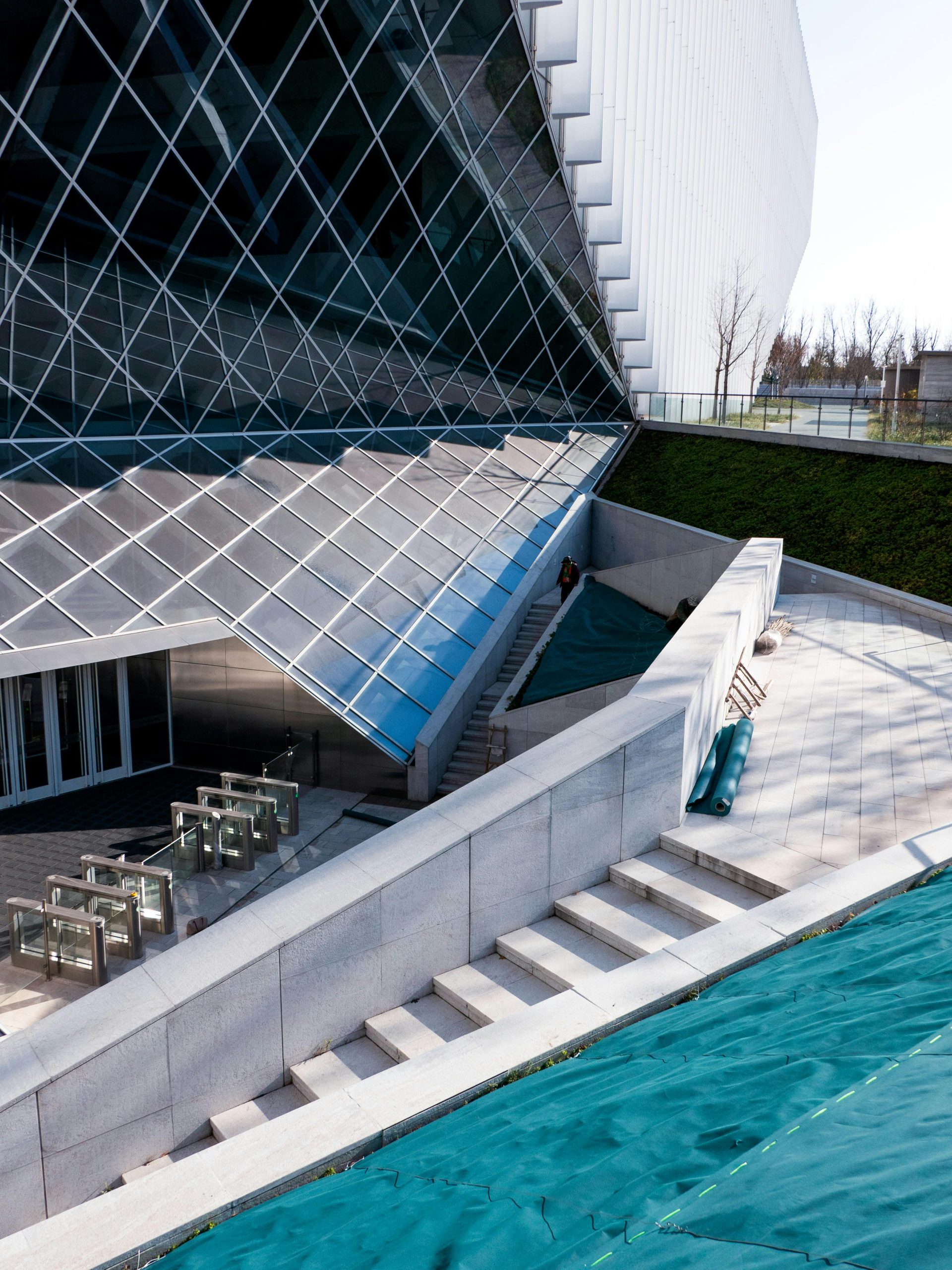
Architectural visualization has transformed the way architects, property developers and urban planners communicate their ideas. Alongside technical drawings and sketches, professionals can present detailed 3D environments that show how a proposed design could look before construction begins. High-quality renders help clients and investors understand a project’s spaces, materials and overall character.
Creating these lifelike visualisations requires expertise in 3D modelling, texturing, lighting and rendering. The final rendering stage can be particularly demanding because it involves calculations that simulate lighting and material behaviour. Depending on the scene, software, hardware and output settings, processing can take hours or longer on a standard workstation.
To manage demanding workloads, some architects and designers use services such as Maya render farms. These provide access to additional computing resources for compatible projects, helping teams manage high-resolution images and animation sequences alongside their other production work.
The Power of Architectural Visualization
Architectural visualization serves as a bridge between a design proposal and the people who need to understand it. Whether the project is a luxury apartment, commercial complex or urban redevelopment, 3D imagery helps stakeholders assess spaces that may be difficult to interpret from plans alone.
A detailed, well-lit render can communicate atmosphere, proportions and material choices. Property developers use these visuals to present buildings before they are completed, while interior designers use them to compare finishes and layouts. Urban planners can use wider views to illustrate how proposals relate to surrounding buildings and landscapes.
However, a render remains a representation of a design. Its accuracy depends on the information supplied, the assumptions made and how faithfully the artist follows the specification. Visualisations should complement technical documents rather than replace them.
For a related perspective on how buildings function once occupied, read PAD’s article on using crowd analytics to optimise floorplans.
The Role of 3D Artists in Architectural Visualization
Building an Accurate Digital Model
The creation of an architectural render begins with a digital model. The artist translates drawings, dimensions and design references into a scene that represents the proposed space.
Accuracy matters from the outset. Incorrect window proportions, ceiling heights or furniture dimensions can make an attractive image misleading. Checking the model against the latest design information helps prevent errors from carrying through to the finished render.
Once the model is established, materials and textures give surfaces their intended appearance. Texture resolution and texel density need to suit the camera position and output size so that important surfaces remain sharp without making every asset unnecessarily heavy.
Using Lighting to Communicate the Space
Lighting plays an equally important role in realism. Natural light can reveal how sunlight enters a room, while artificial lighting helps communicate the atmosphere of an interior.
The setup should reflect the purpose of the image. A bright marketing view may require a different approach from a study intended to illustrate a particular time of day.
Techniques such as gobos can introduce patterned shadows where appropriate. Reflections, soft shadows and carefully balanced contrast also help establish depth and scale.
A visually convincing image should not be confused with a validated daylight or lighting assessment. Where measurable performance is required, the project needs an appropriate analysis method alongside presentation imagery.
Rendering and Reviewing the Image
Once the scene is ready, rendering calculates the image from its geometry, lighting, materials and camera settings.
Processing time depends on several factors, including scene complexity, resolution, sampling, available memory and the rendering engine. More demanding settings do not automatically produce a better image if the underlying modelling or lighting needs improvement.
Preview renders allow artists to identify issues before committing to final output. This is particularly useful when clients are still reviewing materials, furniture or camera angles.
How Maya Render Farms Support Architectural Visualization
Large architectural scenes can contain detailed geometry, high-resolution textures and numerous assets. These demands may slow local rendering and limit the time available for further revisions.
A render farm provides additional machines for processing compatible jobs. Animation frames and multiple views can often be allocated across those resources, allowing several outputs to progress in parallel.
This does not mean that every individual image will automatically be divided across multiple servers. The distribution method depends on the service and renderer, so artists should understand how their particular job will be processed.
Cloud rendering can reduce the need to maintain equivalent computing capacity in-house. However, its value depends on project volume, service charges, upload time and the resources already available to the studio.
Preparing a Scene for Cloud Rendering
Before submitting a project, artists should confirm support for the required Maya version, rendering engine and plugins.
Textures, linked assets, caches and other dependencies also need to be included correctly. Missing files can lead to incomplete results even when the main scene opens successfully.
A small test submission helps check materials, output settings and image consistency before a larger job is launched. Teams should also consider confidentiality requirements when uploading client designs.
With suitable preparation, a render farm can free the local workstation for other tasks while the submitted outputs are processed remotely.
The Future of Architectural Visualization
Real-time rendering tools allow designers to create interactive presentations in which viewers can move around a proposed space. These experiences complement still images by helping clients understand relationships between rooms, viewpoints and circulation routes.
Virtual reality can provide a stronger sense of scale, while augmented reality can support particular presentation and review tasks. Their usefulness depends on the project and the audience rather than novelty alone.
AI-assisted tools can support parts of production, including image denoising and some presentation tasks. Their outputs still need review, particularly where generated details could differ from the actual design.
Automation can also simplify repetitive work such as organising render jobs and checking output files. Compatibility, predictable results and a clear review process remain important as workflows become more complex.
Bringing Architectural Designs to Life
Architectural visualization helps architects, designers and property professionals explain proposals before they are built. Realistic 3D representations support discussion, reveal design choices and make presentations easier to understand.
Producing those images requires both creative judgement and technical preparation. Additional computing resources can help with demanding workloads, but they do not replace accurate modelling, considered lighting or careful checking.
The strongest workflow combines reliable design information, appropriate rendering settings and a clear purpose for each image. Whether the result is a still render, animation or interactive walkthrough, its value comes from helping people understand the proposed building.

